Discover a selection of web resources, scripts, plugins, and CSS tools to customize your website! The first episode of JS libs is dedicated to Youtube plugins. Happy customizing!
Youtube Loading Bar
A small jQuery plugin that allows you to add a "Youtube-like" loading bar to all your ajax links.
Initialization Example
$('.ajax-link').loadingbar({
  replaceURL : true, // You can visibly change the URL of the browser to reflect the clicked links by toggling this to true
  target     : '#loadingbar-frame', // The container's selector where you want the ajax result to appear
  direction  : 'right', // The direction where the the loading bar will progress
});
Tubular.js
Tubular is a jQuery plugin that allows you to set a YouTube video as the background of your webpage. Simply integrate the plugin into your site, link your page's container to the ID of your YouTube video, and you're set!
Initialization example
$('#wrapper').tubular({ videoId : 'aJTGyyRXDh4' }); // where videoId is the YouTube IDConfigurable options
ratio            : 16 / 9, // Usually either 4/3 or 16/9 -- tweak as needed
videoId          : 'aJTGyyRXDh4',
mute             : true,
repeat           : true,
width            : $(window).width(), // No need to override
wrapperZIndex    : 99,
playButtonClass  : 'tubular-play',
pauseButtonClass : 'tubular-pause',
muteButtonClass  : 'tubular-mute',
volumeUpClass    : 'tubular-volume-up',
volumeDownClass  : 'tubular-volume-down',
increaseVolumeBy : 10, // Increment value; volume range is 1-100
start            : 0 // Starting position in seconds
PreViewTube
A small jQuery plugin to animate thumbnails of your YouTube videos on hover or continuously. The speed of image transitions can be adjusted for smoother previews.
Initialization example
$('.preViewTube').PreViewTube();Configurable options
interval: 500, // The animation rate in ms (default: 500ms)
mode     : 'constant' // How the animation should run 'constant' or 'hover' (default : hover)
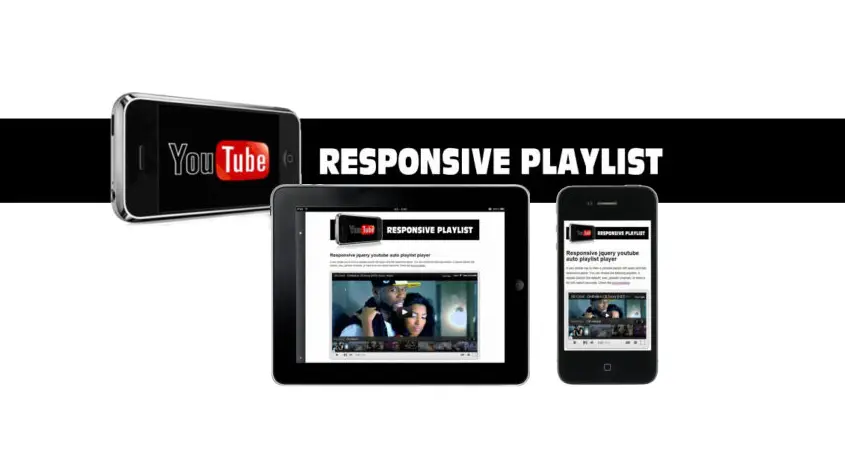
Youtube autoplay playlist
This jQuery plugin enables automatic playback of YouTube playlists and also applies a cinematic effect to your videos by "dimming the lights" on your site! Numerous options and parameters are available to customize the appearance and playback mode of your videos.
Initialization example
$('#youtubevideo').youTubePlaylistResponsive({
  listtype  : 'custom',
  listvalue : 'gFftC9O9EZ0,-Fv-iUhLcys,Vv2YXjCWg1A,eIa7YxlHq3A'
});
Configurable options
listtype        : 'search', // Choose between playlist, user_uploads, custom or search (max. 20 video's)
listvalue       : 'nature', // Playlist ID, channel name, ID's seperated by comma's (custom) or search for keywords
autoplay        : false,    // If set to true the player will play onload
showrelated     : false,    // Show related movies at the end of the movie
showinfo        : true,     // Display thumbnail images for the videos in the playlist
autohide        : false,    // Indicates whether the video controls will automatically hide after a video begins playing
theme           : false,    // Set the color scheme foer the player. true is white ad false is black
modestbranding  : true,     // Set to false to show the youtube logo in the player controll bar
iv_load_policy  : false,    // Setting to true will cause video annotations to be shown by default
allowfullscreen : true,     // Show the fullscreen button
controls        : true,     // This parameter indicates whether the video player controls will display
hd              : false,    // Play the video's in HD at startup
maxwidth        : '',       // Here you can set the maxwidth in % or px
center          : false,    // If maxwidth is set you can optional center the player
lightsout       : true      // Mouseover the video turns out the light effect (background fading)